Roblox Customizable RPG Inventory
A downloadable asset pack
Customizable RPG Inventory + Pickups System
[NEW!] Customizable RPG Chests Addon: See on DevForum
Demo place: Inventory system DEMO - Roblox
1. Overview
This package provides a complete inventory system with:
- Persistent player inventory (DataStore)
- Item definitions registry
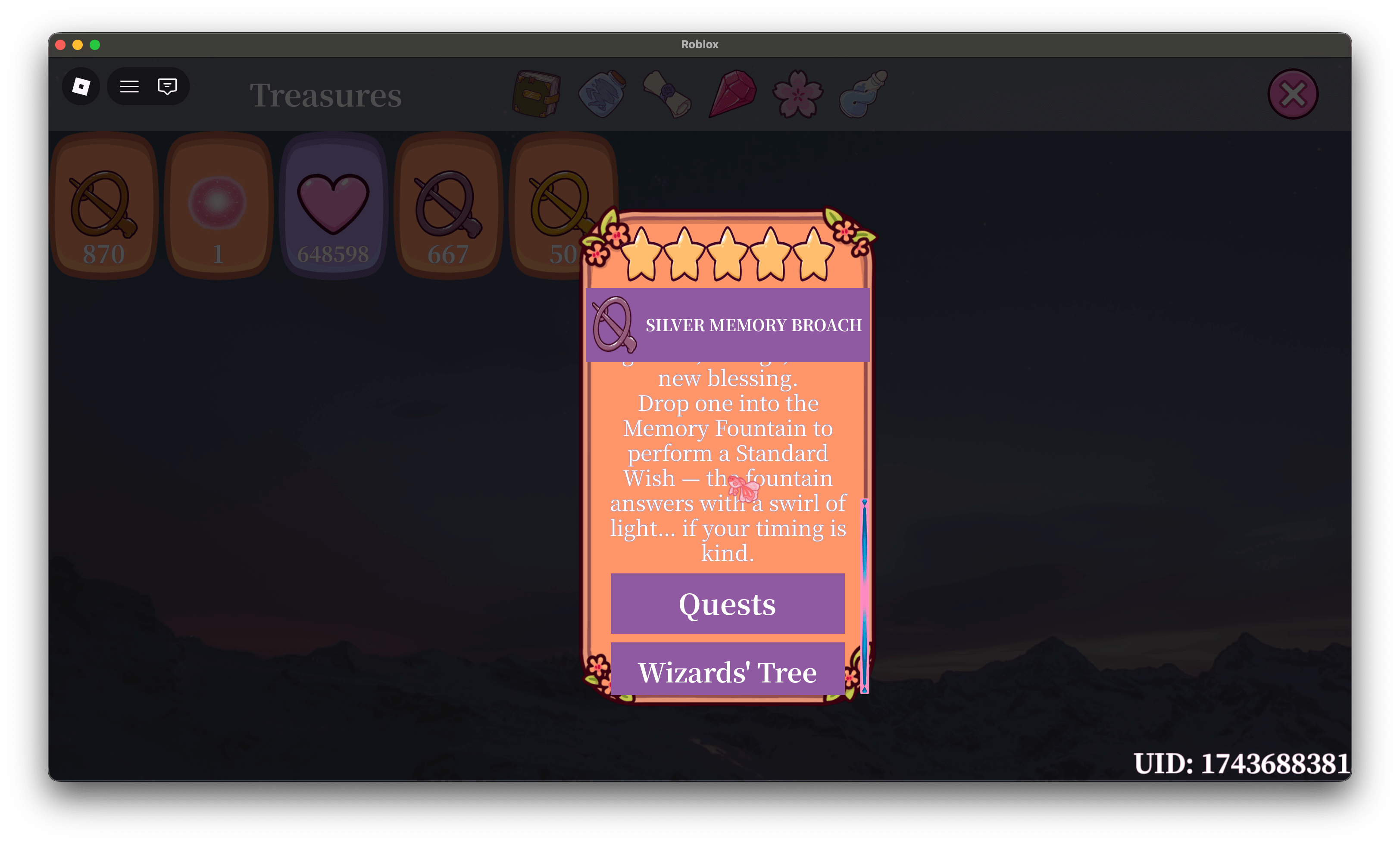
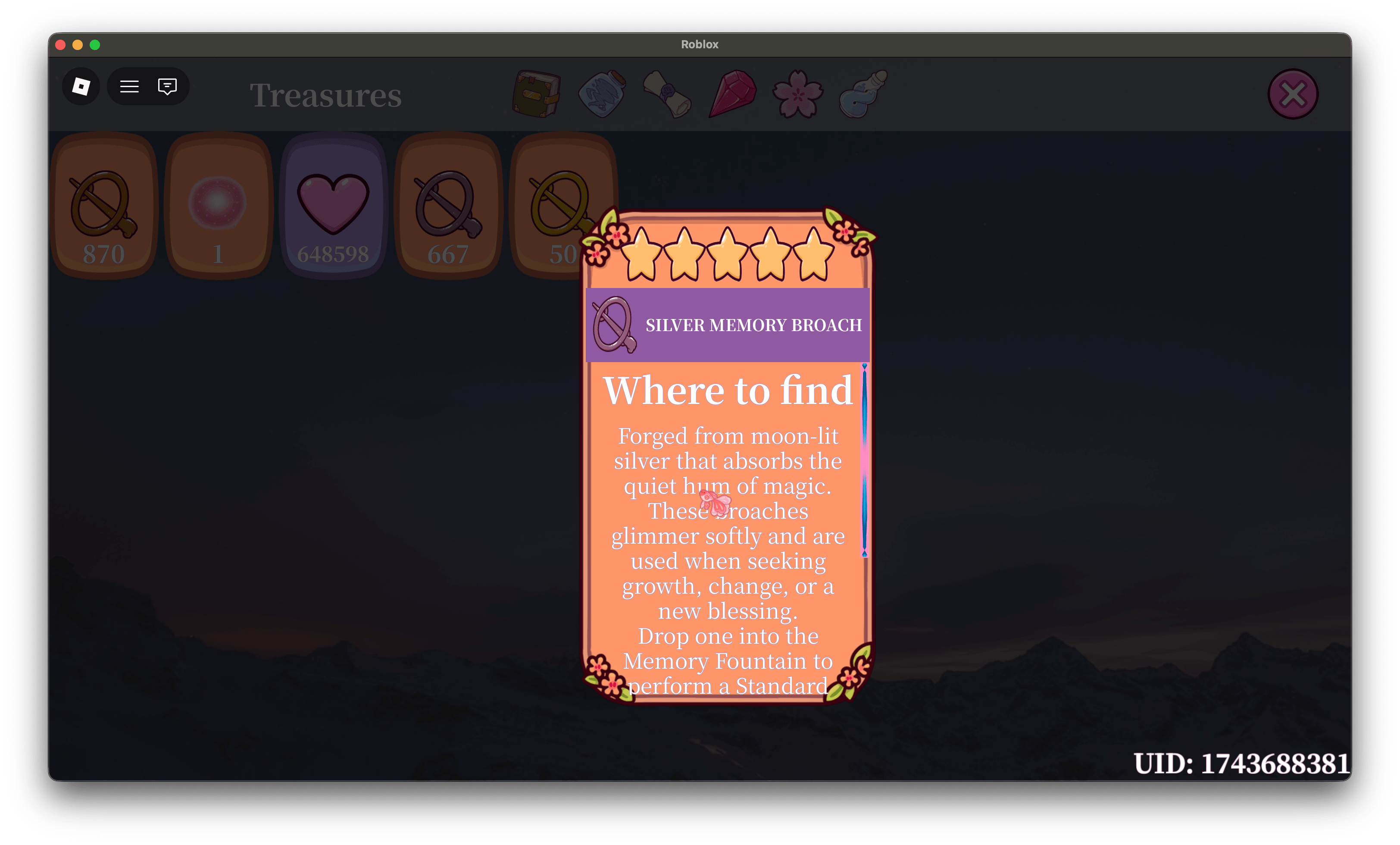
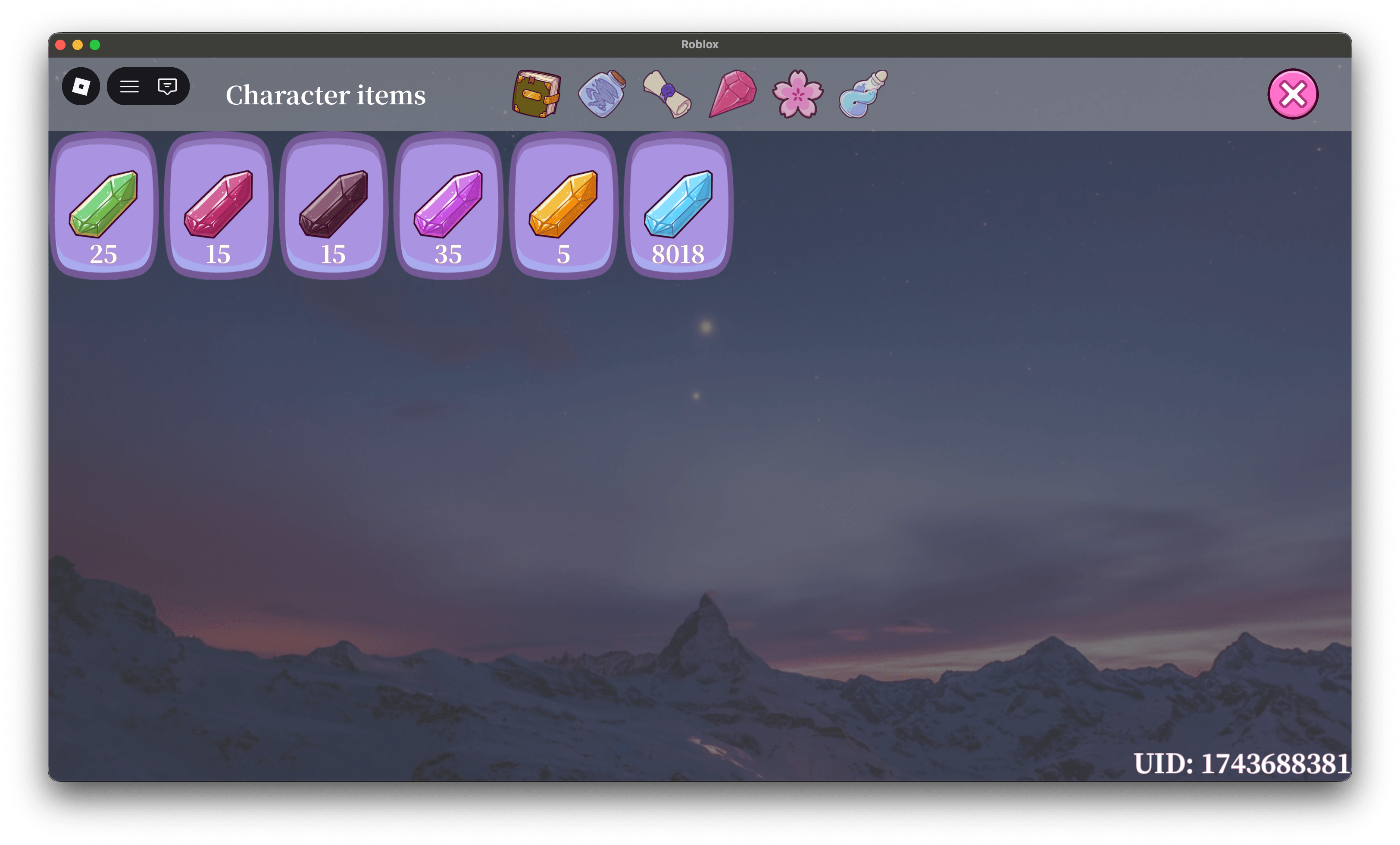
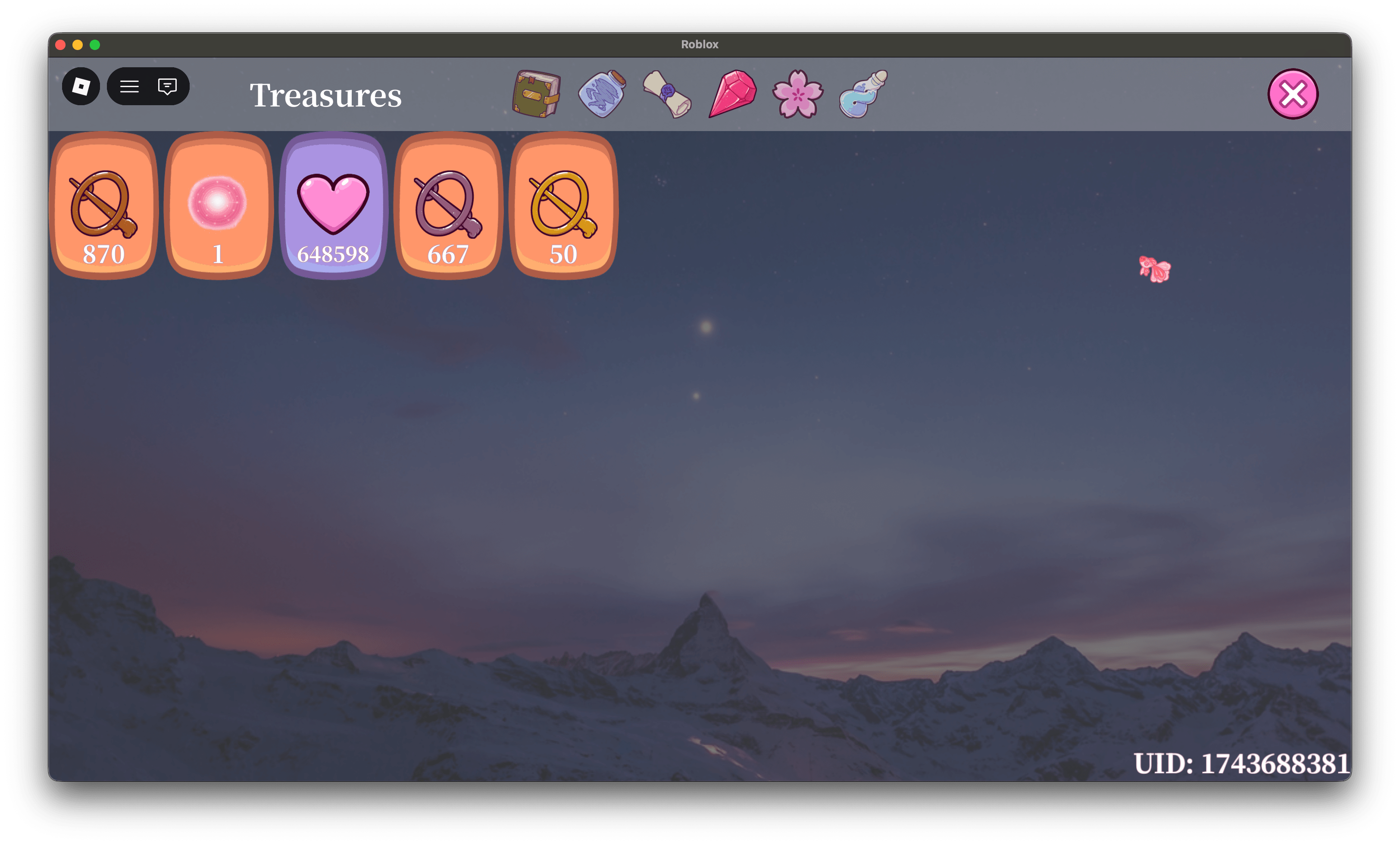
- Inventory UI with categories, rarity colors, stars, item modal, and notifications
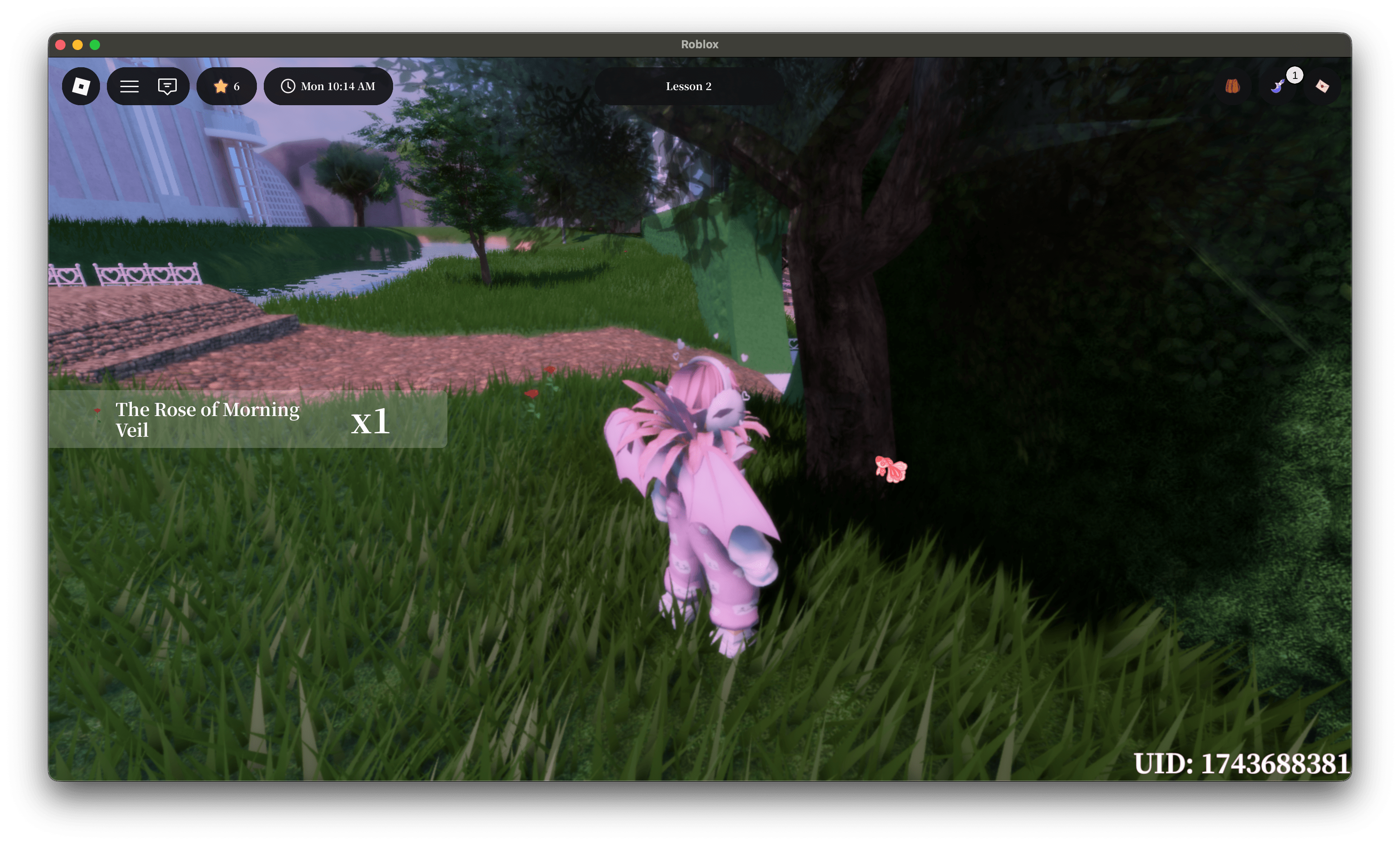
- World pickups (ProximityPrompt) with per-player cooldown/respawn (each player can collect the same pickup independently)
Works with:
- Models or Parts as pickups
- CollectionService tag-based detection
- Remote-based synchronization between server and client
2. Package Contents
ServerStorage
- ItemRegistry (ModuleScript) stores all item definitions (name, description, icon, max stack, category, rarity, respawn time, etc.)
ServerScriptService
- InventoryService (ModuleScript) Inventory persistence, API for giving/removing items, cooldown logic, remotes.
- PickupHandlerInventory (Script) binds pickups tagged “Pickup”, adds ProximityPrompt automatically, grants items, hides pickup for that player.
ReplicatedStorage
- Remotes (Folder)
- Inventory (Folder)
- Get (RemoteFunction)
- Changed (RemoteEvent)
- CanCollect (RemoteFunction)
- Pickups (Folder)
- HideForPlayer (RemoteEvent)
- ListHiddenForPlayer (RemoteFunction)
- Inventory (Folder)
- InventoryNotifier (ModuleScript)
StarterGui
- Inventory (ScreenGui) UI pages, tabs, item slot template, item modal, notification list, open/close button.
 Important Notice
UI elements shown in previews are NOT included in this asset.
All images and icons inside the system are replaced with placeholder assets.
This product provides the core inventory & pickup system logic only.
You are free to fully customize, replace, or redesign the UI to match your game’s style.
StarterPlayerScripts
- PickupManager (LocalScript) Receives HideForPlayer, hides pickups locally per player and restores when cooldown ends.
3. Installation (Step-by-step)
Step 1 — Place scripts into correct services and adjust Game Settings
Move the package items exactly like this:
- ItemRegistry → ServerStorage
- InventoryService → ServerScriptService
- PickupHandlerInventory → ServerScriptService
- Inventory ScreenGui → StarterGui
- InventoryNotifier → ReplicatedStorage
- PickUpManager → StarterPlayerScripts
Open Game Settings → Security → Enable Studio Access to API Services: ON
Step 2 — Play Test
Run Play in Studio.
Expected:
- The Inventory UI can open
- No infinite errors in Output
- Remotes are created/available under ReplicatedStorage.Remotes
Step 3 — Add at least one item to ItemRegistry
Open ServerStorage.ItemRegistry and ensure it contains at least one item (see Section 4).
Step 4 — Create one Pickup in the world (optional, for pickups feature)
Create a Part or Model and set:
- CollectionService Tag: Pickup
- Attributes:
- UniqueId (string)
- ItemId (string)
- Optional: Amount (number)
- Optional: RespawnSeconds (number)
(Details in Section 7.)
4. ItemRegistry (Adding Items)
4.1 Item definition format
Each item is an entry inside ITEMS:
ItemIdHere = { id = "ItemIdHere", name = "Displayed Name", description = "Description in modal", locations = { "Where it can be found", "Another place" }, image = "rbxassetid://123456789", maxStack = 999, respawnSeconds = 300, category = "Food", rank = 1, -- (1..5) },
4.2 Fields explanation
- id (string): Must match the key and be unique.
- name (string): Display name used in UI and notifications.
- description (string): Shown in item modal.
- locations (table of strings): Shown as list in modal.
- image (string): Roblox asset id (rbxassetid://…).
- maxStack (number): Maximum amount player can hold.
- respawnSeconds (number, optional):
- >0 = cooldown seconds after collecting pickup
- -1 = never collect again (per player)
- category (string): UI tab category.
- rank (number): Rarity 1..5 (stars and colors).
4.3 Example: Adding multiple items
local ITEMS = { Apple = { id = "Apple", name = "Apple", description = "A crisp apple.", locations = {"Plaza"}, image = "rbxassetid://743461068", maxStack = 999, respawnSeconds = 60, category = "Food", rank = 1, }, MoonElixir = { id = "MoonElixir", name = "Moon Elixir", description = "A mystical currency.", locations = {"Tarot Table"}, image = "rbxassetid://743461068", maxStack = 999999, respawnSeconds = -1, category = "Quests", rank = 3, }, }
5. InventoryService API (Server-side)
Use these functions from server scripts.
5.1 Core inventory functions
Get inventory table
local inv = InventoryService.Get(player)
Get count of an item
local count = InventoryService.GetCount(player, "Apple")
Add item(s)
InventoryService.AddItem(player, "Apple", 3)
Remove item(s)
InventoryService.RemoveItem(player, "Apple", 1)
Set exact count
InventoryService.SetCount(player, "Apple", 10)
Clear inventory
InventoryService.Clear(player)
5.2 Pickup cooldown (per-player)
Check if player can collect a unique pickup
local ok, secondsLeft = InventoryService.CanCollect(player, "pickup:plaza_apple_01", 60)
- ok == true → can collect now
- ok == false + secondsLeft > 0 → wait seconds
- ok == false + secondsLeft == math.huge → permanently unavailable (respawnSeconds < 0)
Grant item if available (recommended)
local result = InventoryService.GrantIfAvailable(player, "Apple", 1, "pickup:plaza_apple_01", 60) if result.granted then print("Granted! New count:", result.newCount) else print("Not available. Seconds left:", result.secondsLeft) end
6. Inventory Remotes (Client sync)
6.1 Remotes.Inventory.Get (RemoteFunction)
Used by UI to request:
- inventory snapshot
- itemDefs from ItemRegistry
Returned payload:
{ inventory = { [itemId] = {count = number} }, itemDefs = ItemRegistry.All(), }
6.2 Remotes.Inventory.Changed (RemoteEvent)
Server sends updates:
- “clear” or diff table:
{ Apple = { count = 10, delta = 2 } }
UI uses it to rebuild item slots and show notifications.
7. World Pickups (How to create collectible objects)
7.1 Required setup
Pickups are detected by:
- CollectionService Tag: “Pickup”
7.2 Required attributes
Add these attributes to the pickup object (Model or Part):
- UniqueId (string) Example: “plaza_apple_01” (Must be unique per pickup instance in the world!)
- ItemId (string) Example: “Apple” (Must exist in ItemRegistry.)
7.3 Optional attributes
- Amount (number) Default = 1 Example: 3
- RespawnSeconds (number) Overrides ItemRegistry respawnSeconds for this specific pickup.
7.4 ProximityPrompt behavior
The server pickup script will:
- Find or create a ProximityPrompt
- Attach to Model.PrimaryPart or first BasePart found
- Trigger grants using InventoryService
Default prompt values:
- ActionText = “Pick up”
- HoldDuration = 0.25
- MaxActivationDistance = 12
- RequiresLineOfSight = false
8. Pickup Hide System (Per-player visibility)
When a player collects a pickup:
- Server fires: Pickups.HideForPlayer(uid, seconds)
- Client moves that pickup into a local hidden folder:ReplicatedStorage/_HiddenPickupsClient
- After cooldown ends, the pickup is restored to its original parent and position
Special case:
- If respawnSeconds < 0, client destroys the pickup locally for that player.
On join / world streaming:
- Client calls Pickups.ListHiddenForPlayer
- Client re-hides pickups that are still on cooldown even if they replicate later
9. UI Customization
9.1 Categories: add, rename, reorder
In the UI LocalScript:
Category order:
local CATEGORY_ORDER = { "Character", "Findings", "Quests", "Treasures", "Flowers", "Food" }
Category config:
local CATEGORY_CONFIG = { Food = { display = "Food", icon = "rbxassetid://743461068" }, }
To add a category:
- Add name to CATEGORY_ORDER
- Add config entry in CATEGORY_CONFIG
- Use the same string in ItemRegistry item’s category
9.2 Category icons
Set icon = “rbxassetid://…” per category.
9.3 Rarity colors (rank 1..5)
In the UI script:
local RANK_COLORS = { [1] = Color3.fromRGB(220,220,220), [2] = Color3.fromRGB(170,220,170), [3] = Color3.fromRGB(170,200,255), [4] = Color3.fromRGB(230,190,255), [5] = Color3.fromRGB(255,205,120), }
Used for:
- Slot color
- Modal color
9.4 Item notification (toast) customization
Edit InventoryNotification.Template inside the ScreenGui.
Adjust animation timings in InventoryNotifier:
- animateIn / animateOut
- visible time task.delay(2.5, …)
10. Common Workflows
Give reward for quest completion (server)
InventoryService.AddItem(player, "Apple", 5)
Check if player has enough items (server)
if InventoryService.GetCount(player, "Apple") >= 3 then InventoryService.RemoveItem(player, "Apple", 3) end
Make a pickup that never respawns (per player)
- In ItemRegistry: respawnSeconds = -1 or
- On the pickup object attribute RespawnSeconds = -1
11. Troubleshooting
Inventory UI shows nothing
- Make sure ItemRegistry has items.
- Make sure RemoteFunction Remotes.Inventory.Get exists.
- Ensure the UI script calls RF_Get:InvokeServer() successfully.
Pickup doesn’t show prompt
- Pickup must have Tag “Pickup”
- Pickup must be a Model with at least one BasePart, or a BasePart itself
- Must have UniqueId and ItemId
Pickup doesn’t disappear after collecting
- Ensure Client hide script exists and listens to Pickups.HideForPlayer
- Ensure UniqueId is a string attribute (not number)
DataStore not saving
- DataStores only work in published games and with API Services enabled
- In Studio test server, use “Test” settings appropriately
12. License / Assets Note
Icons are placeholders. Replace all rbxassetid://… in:
- ItemRegistry item images
- UI category icons with your own uploaded assets.
UI Disclaimer
All UI elements shown in screenshots are for demonstration purposes only.
This asset does NOT include UI layouts, frames, icons, or visual assets.
All images and icons shown are placeholders.
The product includes system logic and scripts only.
Purchase
In order to download this asset pack you must purchase it at or above the minimum price of $9.99 USD. You will get access to the following files:
Leave a comment
Log in with itch.io to leave a comment.